(Downloads page)
This is my first time handling documentation!
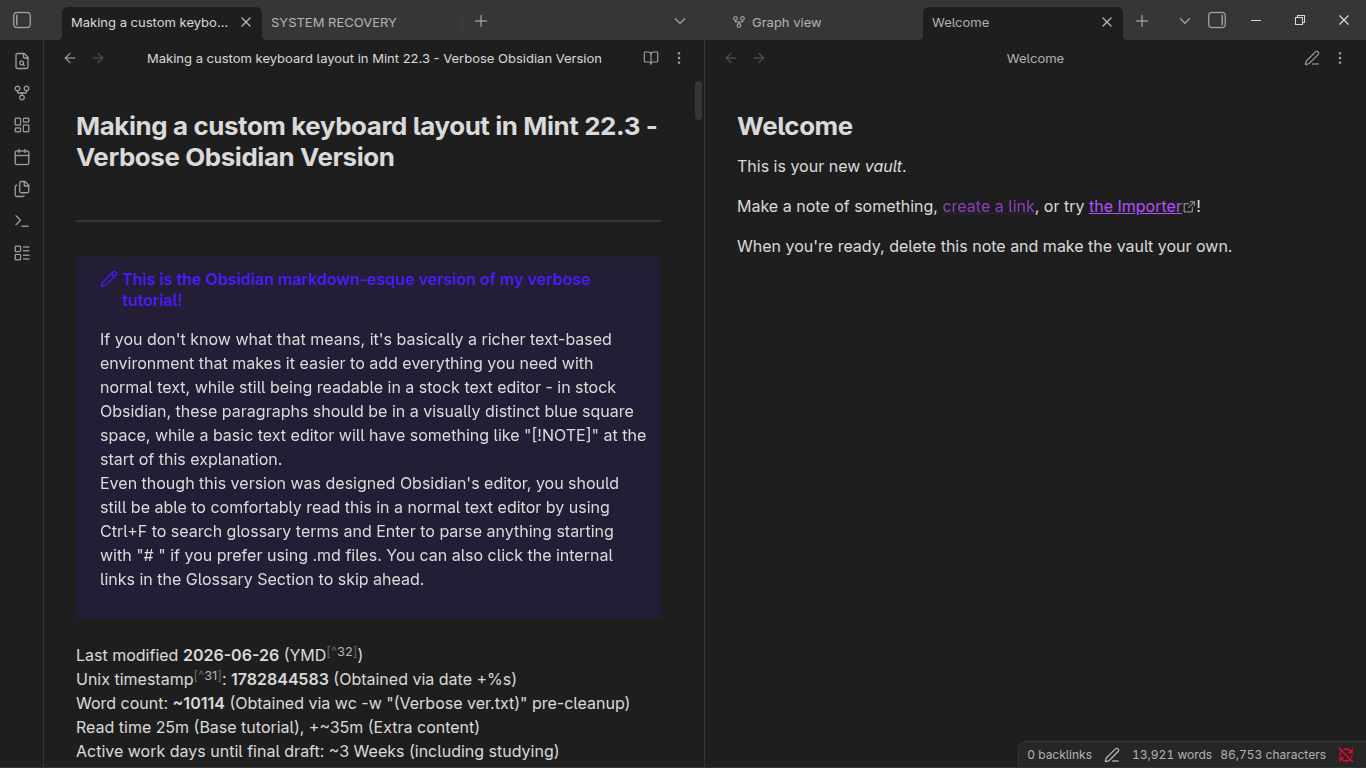
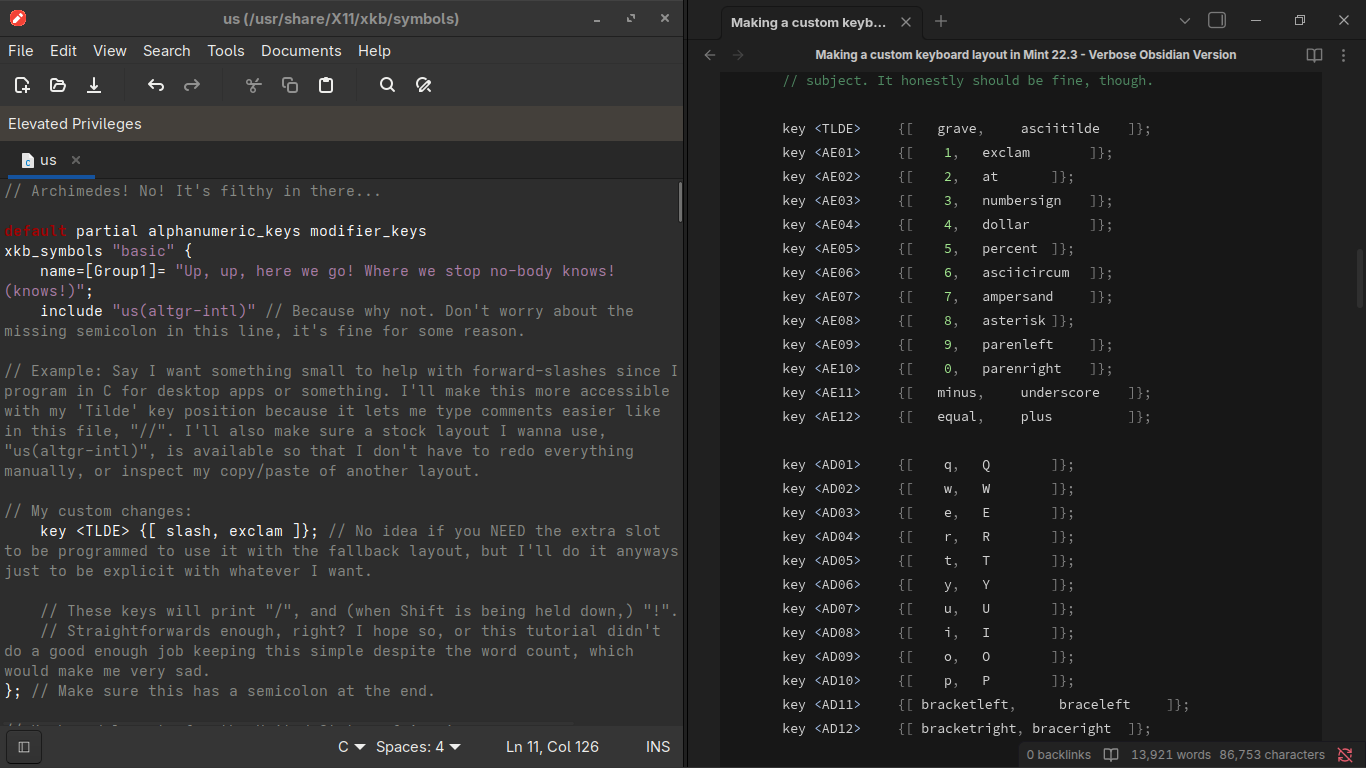
This tutorial tells you how to program your own keyboard layout if you're moving over from Window's MSKLC, want something more specialized, or are otherwise just curious.
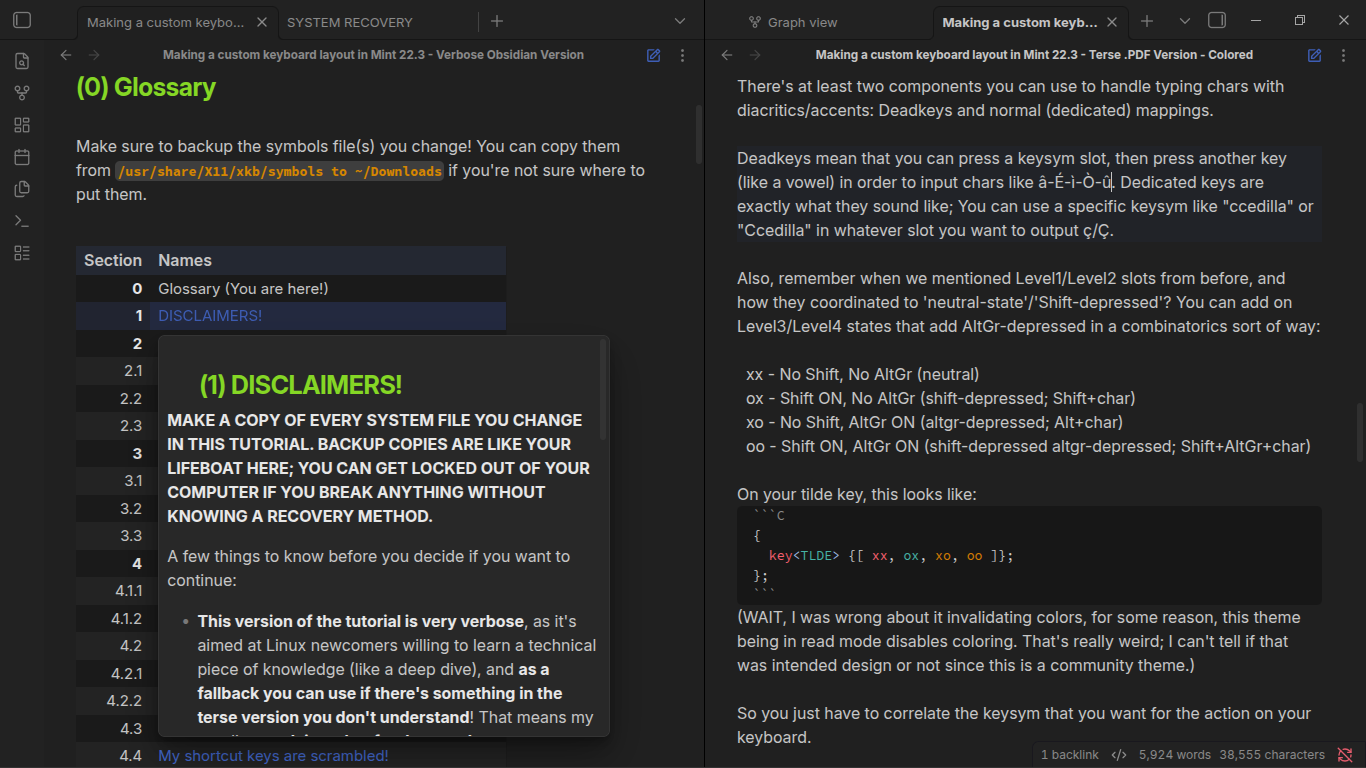
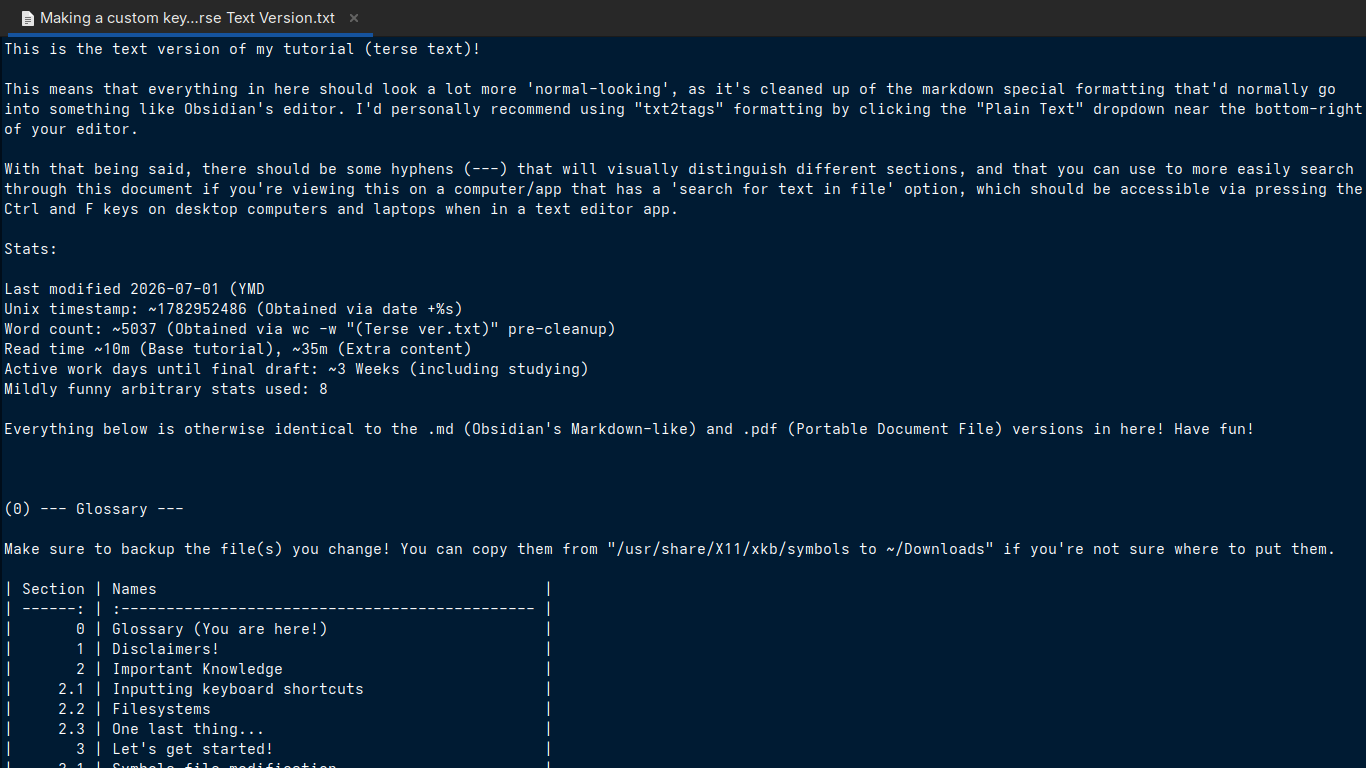
Below are multiple flavors of the same text, both in a terse and verbose formats bundled together depending on what you're more comfortable with.
If you don't know which to pick, I'd recommend checking out the terse pretty-pdf version first just due to it being shorter and relatively easy for most to access while still being visually easier to read through.
If you're lost on something I say, the verbose versions are a fallback that explains most of EVERYTHING relevant to what I'm doing here.
Note: You will modify system files here!
Make sure you print out or note what's in the 'System Recovery' .pdf that's included so you don't remain locked out of your computer if you make any mistakes!
| Downloads - Pick your flavour! | ||||||||||||||
|---|---|---|---|---|---|---|---|---|---|---|---|---|---|---|
| Give me everything! | (link) | |
| Plaintext | (link) | |
| Obsidian/.MD-esque text | (link) | |
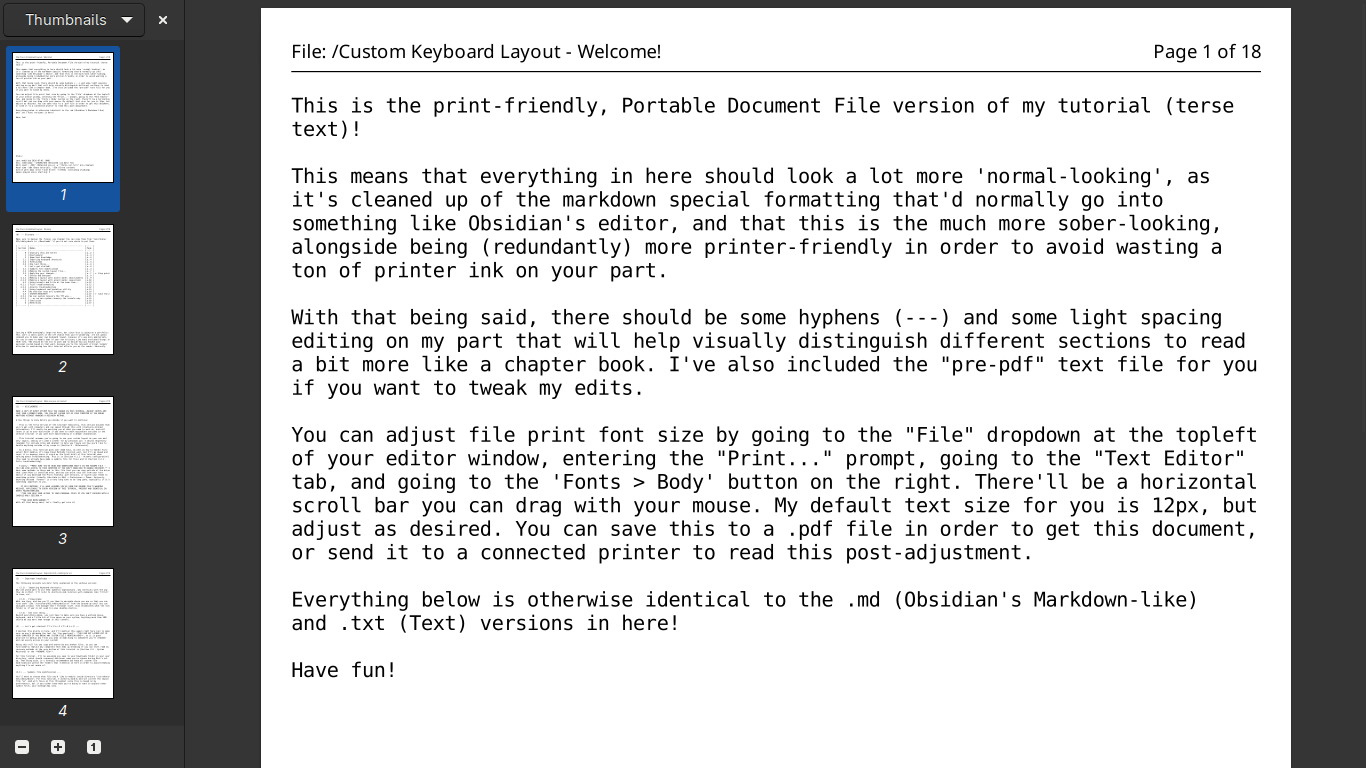
| Print-friendly .pdf | (link) | |
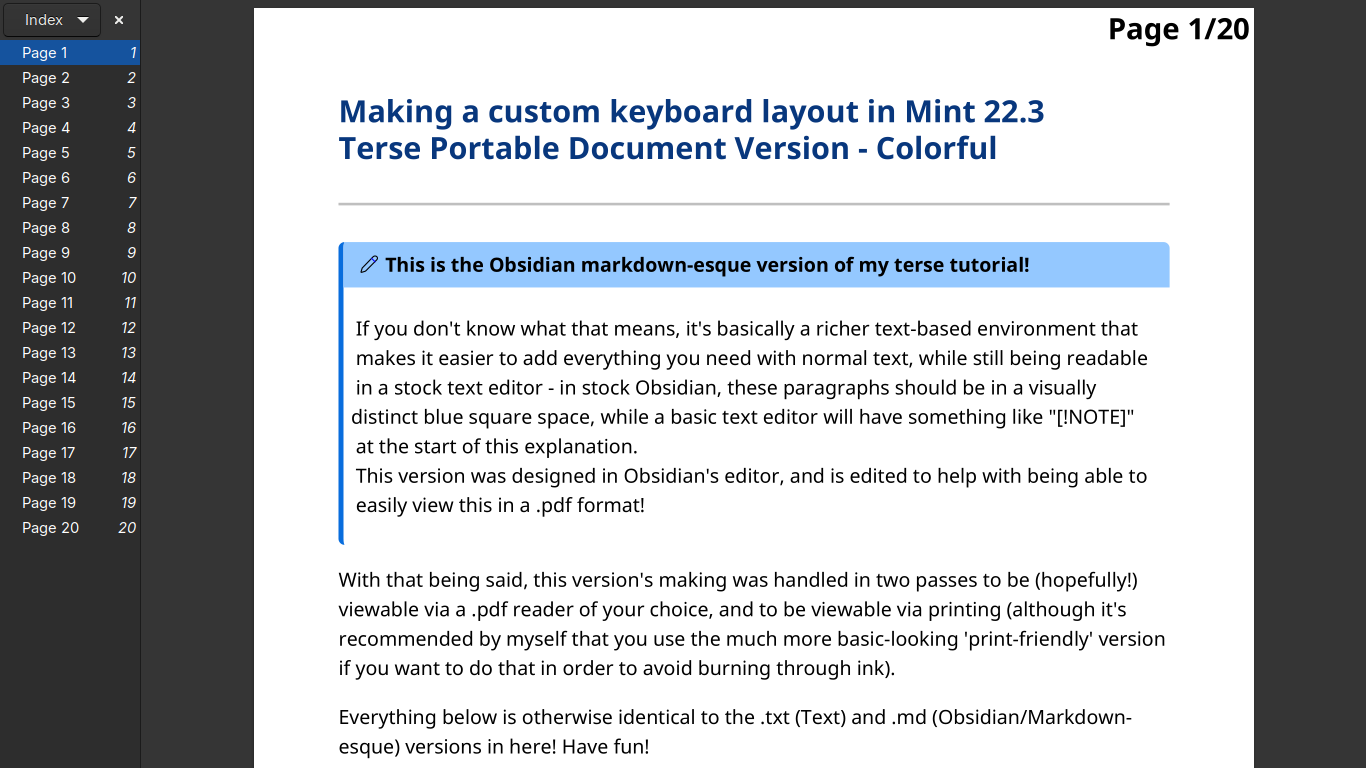
| Fancy .pdf | (link) |
| (These links will open in a new tab.) |
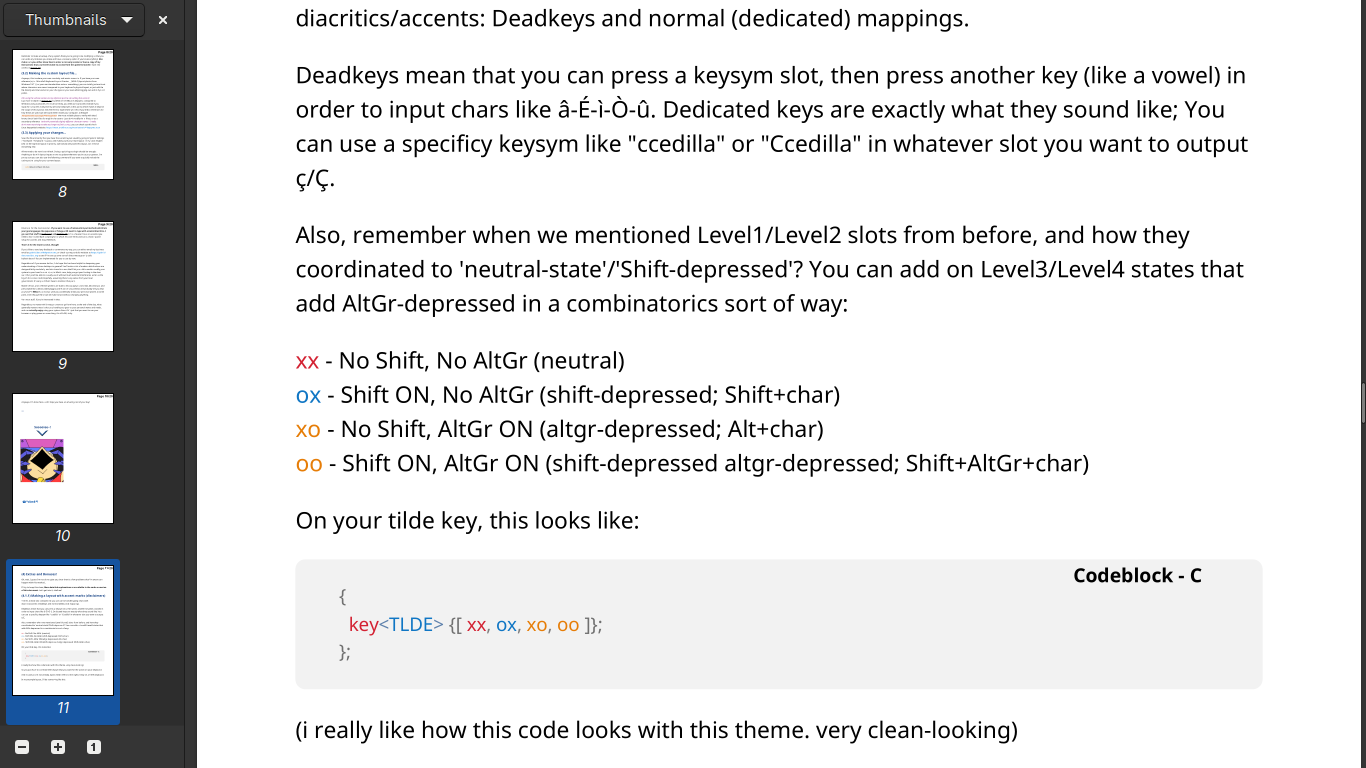
Some sample images and a web version are also being prepared!
(Here's the web version of the terse document if you're just trying to look this up)
My method for presenting these images could use more refining, but it's a start. ONE OF THESE DAYS I'll achieve **PEAK** presentational quality, but it's not this one.
Also, mobile preview's text looks extremely small. I COULD probably adjust images for it if I really wanted to, but maybe it's better to just queue a more refined way of viewing images when I get around to applying JavaScript? Not sure yet.